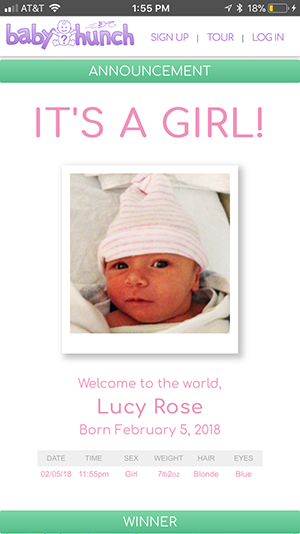
To create a baby pool, create a free account with your email address. It only takes a minute.
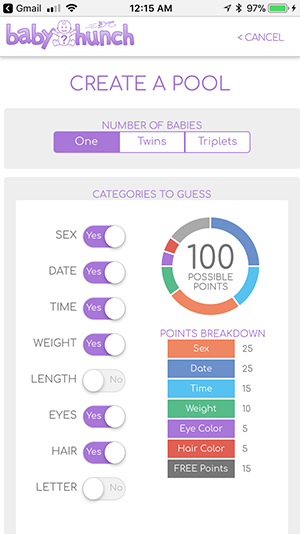
Choose the details for your pool — starting with whether it's for a single baby, twins, or triplets — and ending with the option to upload an image. There are plenty of options in between, including which categories can be guessed, your preferred date format, time format, units of measurement, and more!
Once your pool is ready, use the "Share/Invite" button to let friends and family know about it via text, email, WhatsApp, or any other app on your device.
NOTE: People you invite do NOT need to create an account. This is a big advantage of BabyHunch Baby Pools. Only the person who creates the pool has to create an account — everyone else simply enters their hunches.
The link you share will take everyone to the pool page...
The pool page stores all the info about a pool and is where everyone goes to add their hunches...
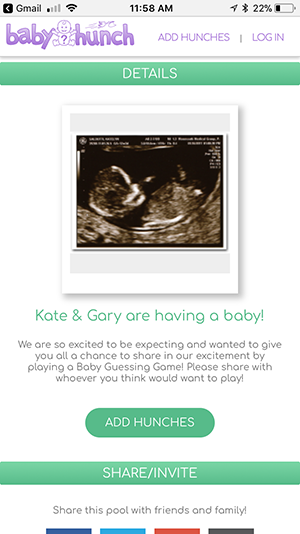
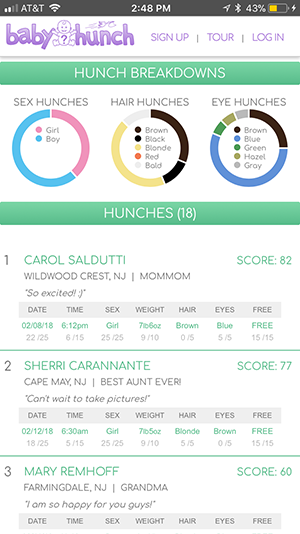
Below shows how the hunches appear on the pool page...
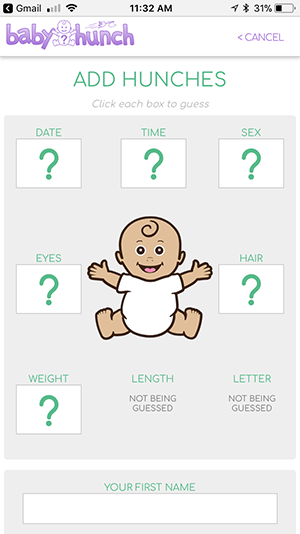
You and whoever you invite simply click the "Add Hunches" button on the pool page. Whichever categories are being guessed will appear with a large question mark...
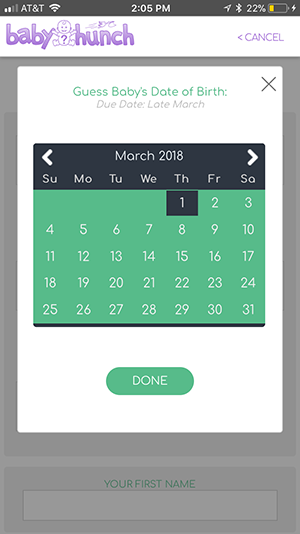
When you click a question mark, a box opens to allow you to make your guess. For example, here is how the date picker looks...
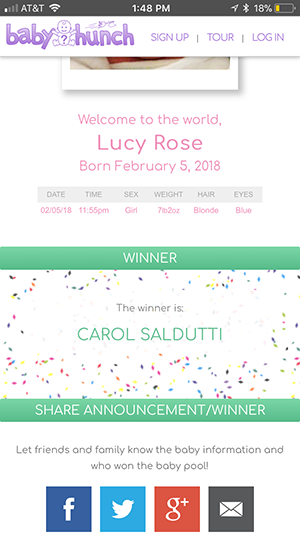
Once baby arrives and you enter their actual info, scores are automatically calculated and a winner is declared.